Menu
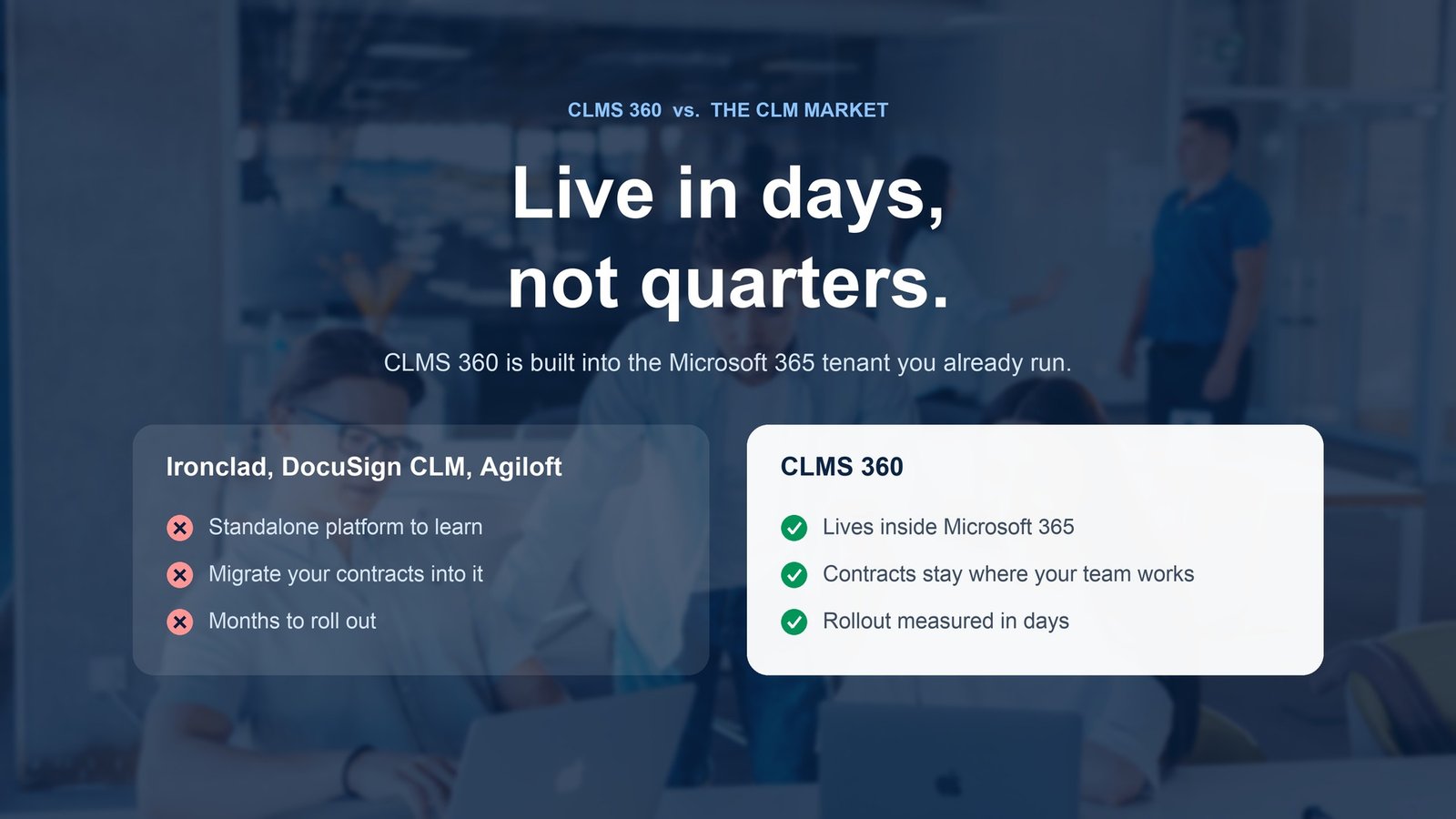
Ironclad, DocuSign CLM, and Agiloft are built as standalone platforms your team has to learn, migrate into, and wait months to roll out. CLMS 360 is built into the Microsoft 365 tenant you already run — so contracts stay where your team already works, and rollout is measured in days, not quarters.

General category benchmarks for the CLM market, compared against how CLMS 360 is actually deployed.
Typical implementation time, vendor to first live contract.
What's included without bolting on another vendor.
Every criterion, spelled out.
| Criteria | CLMS 360 | Ironclad | DocuSign CLM | Agiloft |
|---|---|---|---|---|
| Where contracts live | Your own SharePoint / Microsoft 365 tenant | Ironclad's cloud | DocuSign's cloud | Agiloft's cloud |
| Typical rollout time | Days | ~2+ months | 6–12 months | 12+ weeks |
| Native e-signature | Included | Requires DocuSign / Adobe Sign add-on | Included | Requires integration |
| Works inside Teams & Outlook | Native | Add-in / integration | Add-in / integration | Add-in / integration |
| New platform for staff to learn | No — it's SharePoint | Yes | Yes | Yes |
| Published pricing model | Flat per-tenant licensing | Custom, ~$30k–$200k+/yr | Custom, ~$20k–$100k+/yr | Custom, ~$45k–$200k+/yr |
| Best fit | Teams already standardized on Microsoft 365 | In-house legal teams at growth-stage companies | Enterprises already on DocuSign eSignature | Orgs needing heavy no-code process customization |
Competitor figures are general market benchmarks compiled from public CLM buyer guides as of 2026, not vendor-confirmed pricing. Confirm current terms directly with each vendor before making a purchasing decision.

Standalone CLM platforms ask you to move contracts off Microsoft 365 and into a new system. CLMS 360 asks you to do the opposite: keep working where you already are.
Contracts stay inside your existing SharePoint document libraries — nothing to export, re-permission, or re-index in a third-party cloud.
Standalone CLMs average 8–12+ weeks of implementation. CLMS 360 activates on top of a tenant your IT team already administers.
Employees use the Microsoft 365 credentials and Teams/Outlook habits they already have — no separate CLM account to provision or de-provision.
Contract content never leaves your Microsoft compliance boundary — the same region, retention, and audit policies you've already set for SharePoint apply.
Standalone CLMs quote custom five- and six-figure annual contracts. CLMS 360 licensing is flat and scoped to your tenant, not negotiated per seat.
Permissions, retention, and governance are managed through the same SharePoint admin center your IT team already uses daily.
CLMS 360 covers the core CLM lifecycle — drafting, routing, approvals, e-signature, obligation tracking, and reporting. Where it differs is architecture: it's built inside SharePoint rather than as a separate cloud platform, so it trades some of the deepest no-code workflow customization of tools like Agiloft for a much smaller footprint and faster rollout.
No. E-signature is included natively, unlike Ironclad, which typically requires pairing with a separate signing tool.
Most tenants are live within days because CLMS 360 activates on infrastructure you already run. Standalone CLMs like DocuSign CLM or Agiloft typically require 8–12+ weeks of configuration and data migration.
Inside your own SharePoint document libraries and Microsoft 365 tenant — not a third-party vendor's cloud. Your existing compliance, retention, and access policies apply automatically.
Typically yes for organizations already licensed for Microsoft 365 — CLMS 360 uses flat per-tenant licensing instead of the custom five- to six-figure annual contracts common among standalone CLM platforms. Get a quote to compare it against your specific requirements.
Get a 1:1 walkthrough of CLMS 360 running inside SharePoint, or start a free trial with no data migration required.